Unable to browse the
Internet or use Email - Hijacked settings
Symptoms
Suddenly you are unable to
browse the Internet, or collect/send Emails. Trying to access a Web
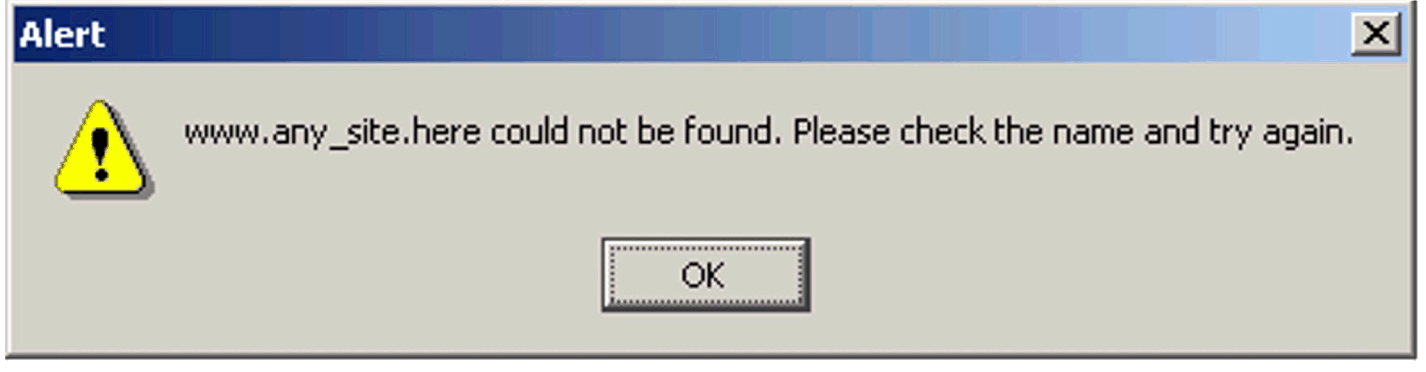
page gives an error message
Cause
Apart from the obvious cause
of a connection problem, e.g. modem not dialling, or broadband
disconnected, this can also occur when your Internet Settings have been
"hijacked" by some malicious software. This software may be trying to
divert your browsing to their own Web sites, or may have replaced your
ISP's dialup settings with a premium rate phone number.
Solution
In Settings/Control
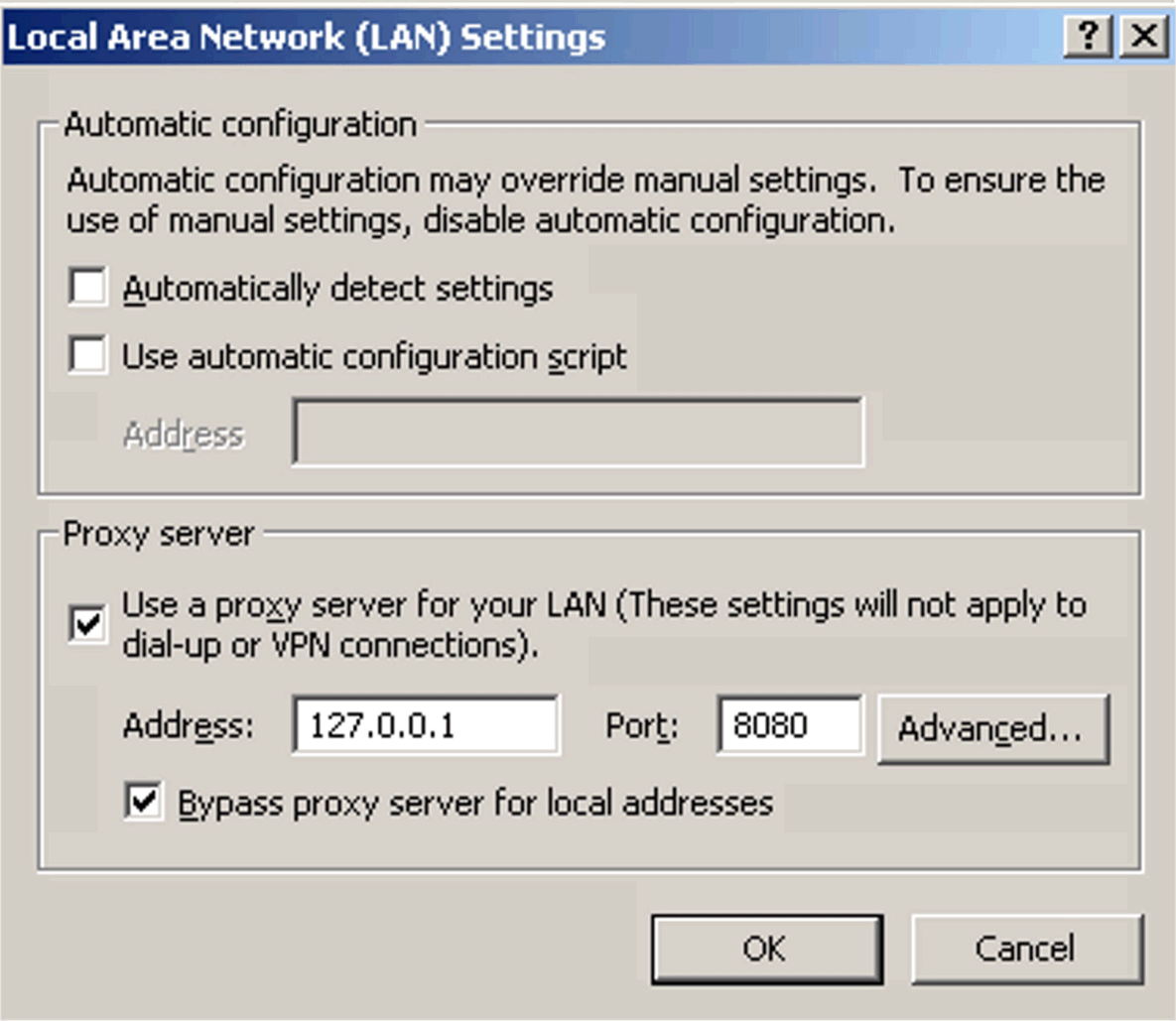
Panel/Internet Properties/Connections/LAN Settings, check the values
held under Proxy Server. This box should not normally be ticked (
unless you are running in a corporate environment or where a Proxy
Server has deliberately been installed). If your settings have been
hijacked, you will probably find that this is pointing to address
127.0.0.1
Untick the
"Use a proxy server" box, and retest your connections.